Canvas Sync Integration
Revision as of 04:09, 21 January 2025 by Jrobertson (talk | contribs)
Setting up
In your Canvas Instructure
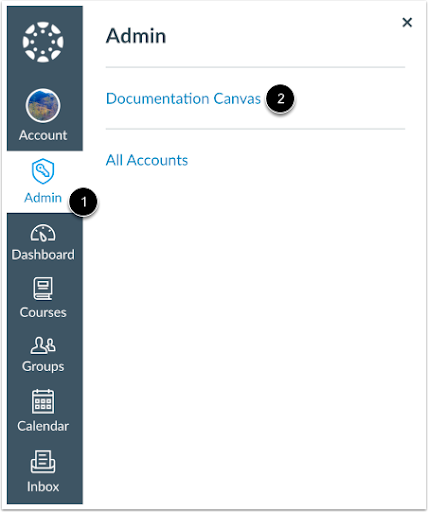
- In Global Navigation, click the Admin link and select the account
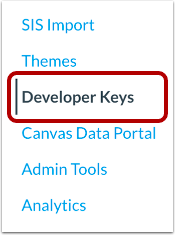
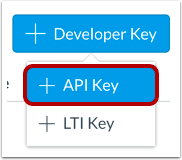
- On the Account Navigation Panel, click on the Developer Keys > Add Developer Key > API Key
- On Key Settings > Required Fields:
* Key Name: Cloudwork
* Redirect URIs: <Cloudwork URL>/canvas/authorize Example: https://demo-login.cloudworkengine.net/canvas/authorize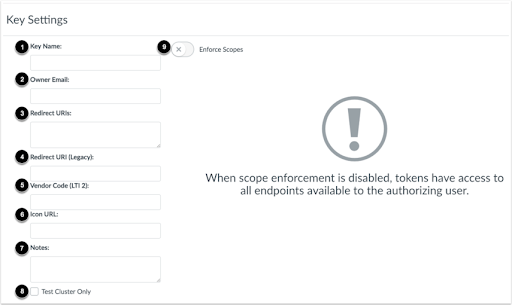
- Once set up, switch ON the state of the developer key. Both Client ID and Secret Key will be listed under Details


